
How Much Does Workday Time Clock Implementation Really Cost? (And Why Businesses Are Switching to Affordable Alternatives)
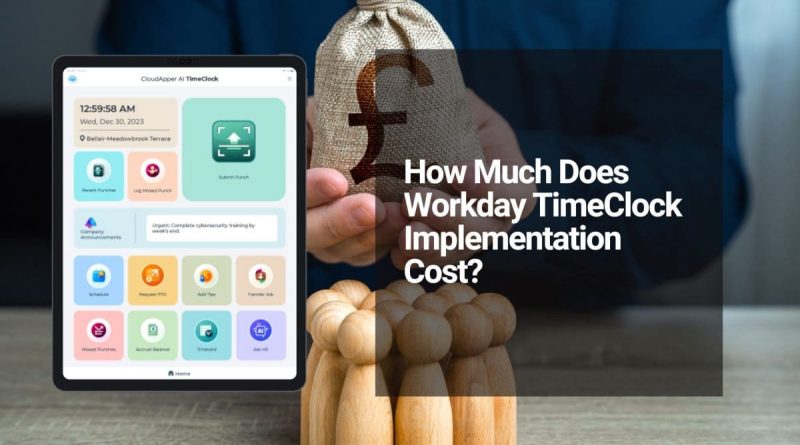
Workday remains a powerhouse for enterprise HR and payroll, but adding robust time clock functionality often comes with sticker shock. Many organizations discover that full Workday time clock implementation can easily hit six figures—frequently landing between $300,000 and $800,000 for initial setup alone, depending on company size, customization needs, data migration, training, and integrations.
That hefty price tag covers professional services, hardware procurement, change management, and ongoing per-employee subscription fees for the time-tracking module (typically $3.50–$7 monthly per user for attendance features, plus broader HCM licensing). Add in specialized kiosks, installation, maintenance contracts, and lengthy deployment timelines, and the total cost of ownership quickly escalates—especially for mid-sized companies or those with distributed, deskless, or hybrid workforces.
The real pain point? Many businesses already invested in Workday still struggle with inaccurate time capture, buddy punching, compliance headaches, and manual payroll errors. Traditional hardware-based time clocks feel rigid, expensive to scale, and slow to deploy, turning what should be a simple attendance tool into a major budget drain.
The Smarter, Lower-Cost Path to Accurate Workday Time Tracking
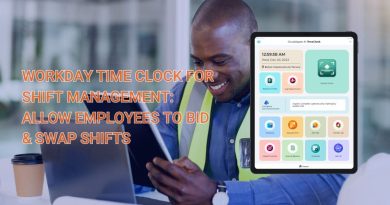
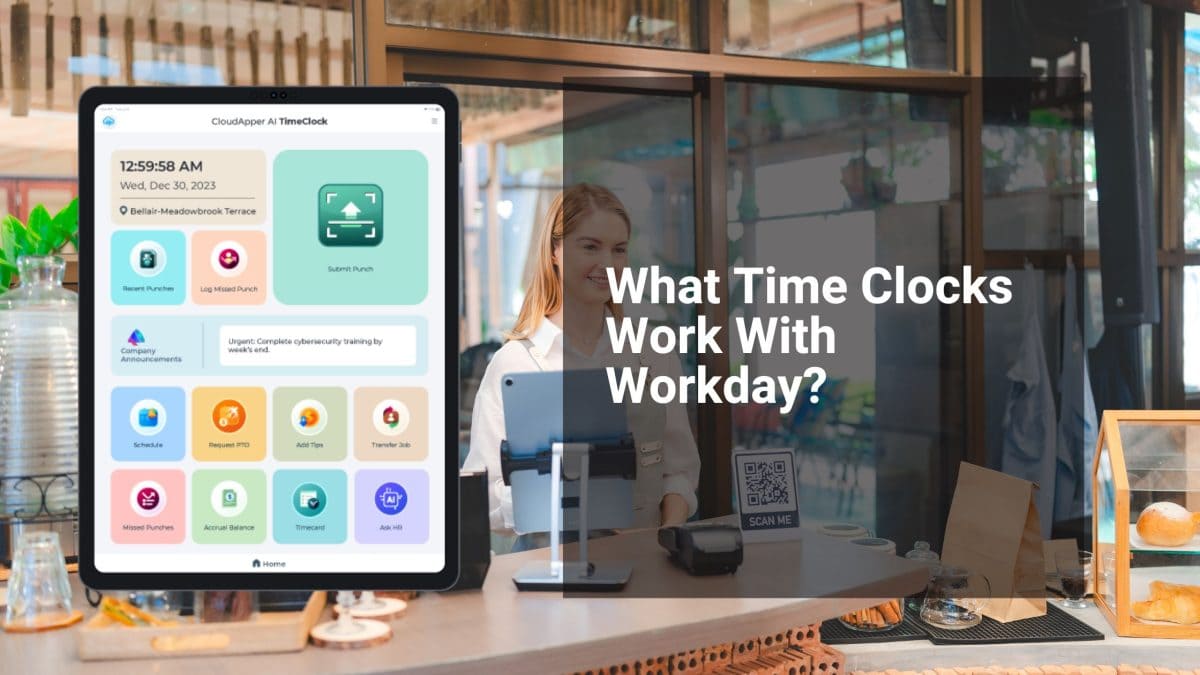
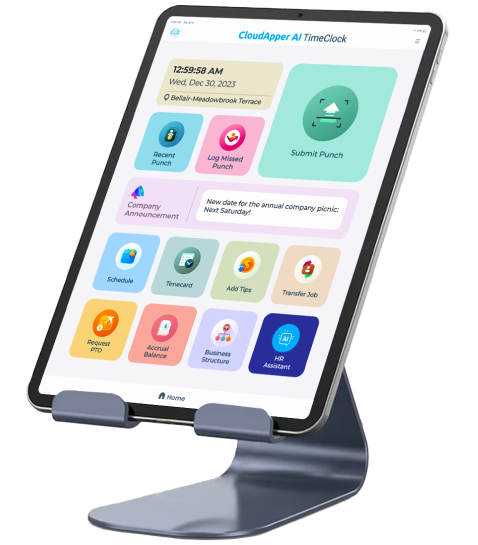
Forward-thinking organizations are now choosing affordable, tablet-based biometric time clocks that deliver enterprise-grade features without the enterprise price tag. These solutions transform any standard iPad or Android tablet into a secure, touchless time clock kiosk—complete with facial recognition, geofencing, offline data capture, real-time validations, and seamless native integration with Workday Time Tracking and payroll.
No proprietary hardware. No six-figure implementation projects. No endless maintenance fees. Just plug-and-play setup that goes live in days (not months), slashes hardware costs by up to 70-80%, and pays for itself quickly through reduced errors and faster payroll processing.
Key advantages include:
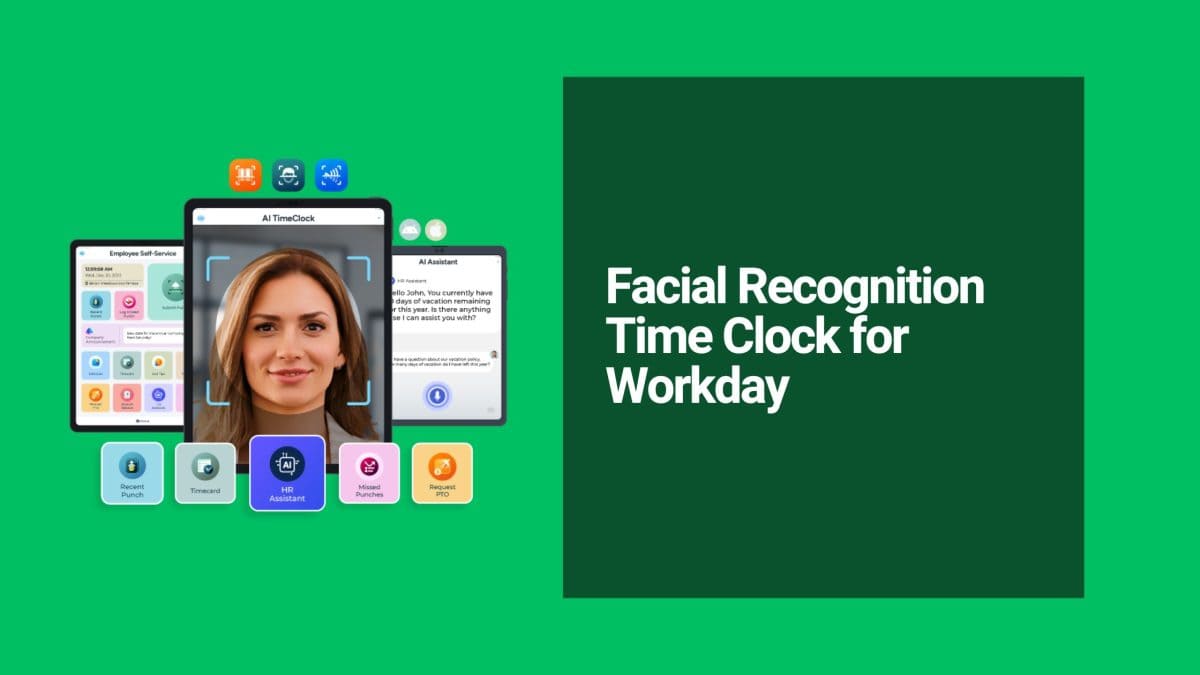
- Touchless biometric facial recognition — Eliminates buddy punching and supports hygiene standards.
- Mobile and kiosk flexibility — Perfect for factories, retail, field teams, offices, or remote sites.
- AI-powered assistant — Employees get instant answers to HR questions right at the clock.
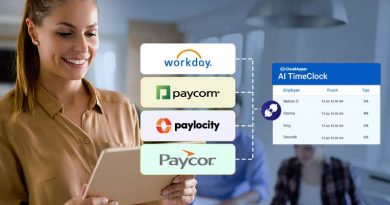
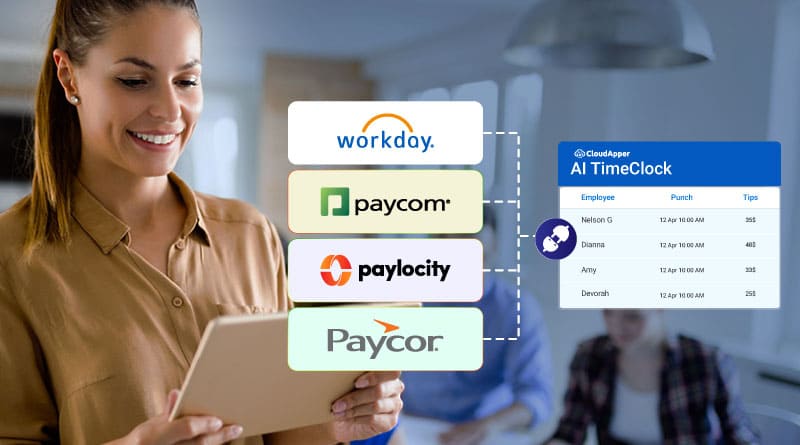
- Full Workday sync — Accurate, real-time data flows directly into payroll, reducing disputes and compliance risks.
- Offline mode with auto-sync — Reliable even in low-connectivity environments.
Businesses using this approach report dramatic improvements in time-tracking reliability, employee satisfaction, and bottom-line savings—all while leveraging their existing Workday investment instead of overhauling it.
If you’re evaluating Workday time clock options and want powerful, accurate attendance without the massive upfront and ongoing costs, explore the CloudApper AI TimeClock for Workday—the affordable, touchless biometric solution designed specifically for modern Workday users.
→ Learn more and see it in action: CloudApper AI TimeClock for Workday Time Tracking & Payroll
Original source: How Much Does Workday Time Clock Implementation Cost?
Super Efficient Employee Time Clock Kiosk Application
Cost Effective Employee Time Clock Application for
All Major HR, HCM
and Payroll
Systems