How Long-Term Care Facilities on Workday Can Automate Shift Differential and Credential-Based Pay at the Time Clock
If you run payroll for a skilled nursing facility or assisted living community on Workday, you already know that a standard clock-in means almost nothing. A CNA clocking in at 11 PM on a weekend isn’t earning the same rate as that same person at 9 AM on a Tuesday. And if she’s also a certified medication aide, that affects pay too — but only when she’s actually working in that role.
Most time clocks punt this to payroll. Someone on your team manually reviews the punch, checks the shift, verifies the credential, and keys in the right rate. Every pay period. For every affected employee.
That’s not a process problem. It’s a tool problem.
What’s Actually Missing at the Punch Point
Healthcare organizations running Workday often have the right pay rules configured in the HCM. The gap is that the time clock feeding Workday doesn’t know which rules apply to which punch. It sends a timestamp. Payroll does the rest.
A purpose-built, configurable time clock closes that gap by capturing the context of the punch — not just the fact of it.
With CloudApper AI TimeClock, a nurse clocking into a night shift at a memory care unit can trigger:
- The correct shift differential automatically
- A credential check confirming her active certification before the punch is accepted
- A unit code that ties labor costs to the right department budget
- A California attestation prompt if she’s at an applicable facility
All of that goes into Workday as structured, rule-validated data. Not a raw timestamp your payroll team has to interpret.
CMS Staffing Mandates Make This Urgent
Federal staffing rules for skilled nursing facilities require documented, verifiable nurse and aide hours by role and shift. Reconstructing that from manually corrected timecards after the fact creates audit exposure. The data needs to be right at capture — not cleaned up later.
A configurable time clock that enforces role-based punch rules and logs credential status at clock-in gives you audit-ready data without extra administrative work. That’s a compliance argument your compliance officer, DON, and CFO can all get behind simultaneously.
What Customization Actually Looks Like Here
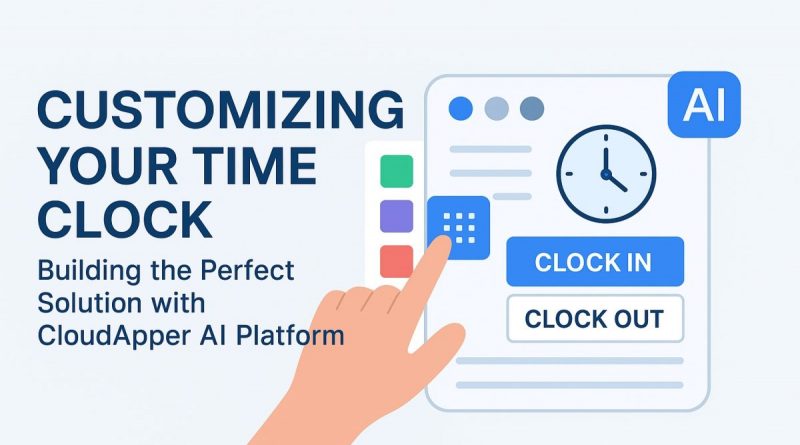
The CloudApper AI Platform uses a no-code drag-and-drop builder to configure the punch interface itself. For a long-term care group, that typically means:
Role selection at clock-in. When an employee has multiple active positions in Workday — RN, charge nurse, supervisor — they select which role they’re working before the punch completes. The right pay code flows automatically.
Shift differential logic by facility. Night differential at Facility A might be 15%. At the recently acquired Facility B it’s 12%. Each site runs its own rule set without a separate system or manual override.
Missed punch prompts. If a resident care worker forgets to clock out, the system flags it before the next shift starts — prompting a correction rather than leaving a gap for payroll to find three days later.
Offline reliability. Memory care units, basement break rooms, and rural campuses all have connectivity dead zones. Punches store locally and sync to Workday when the connection returns.
For context on the broader customization capabilities behind this, the full CloudApper AI TimeClock platform overview covers how the drag-and-drop system handles complex compliance and multi-location scenarios across industries.
The Hardware Reality in Healthcare Settings
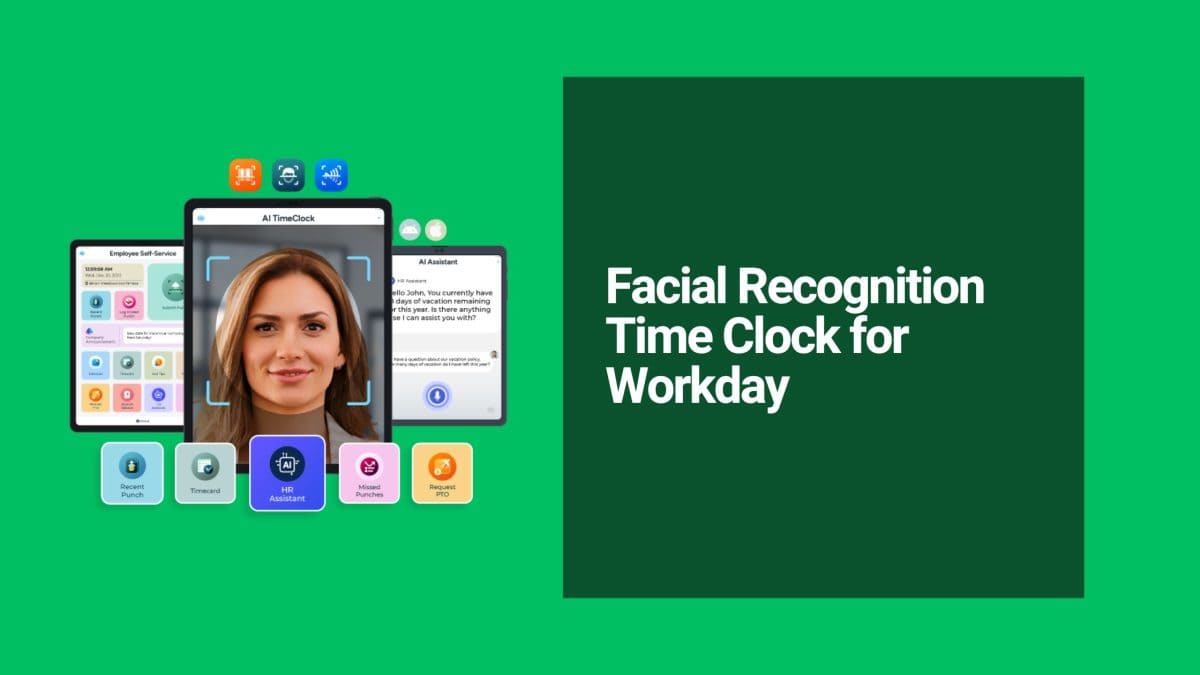
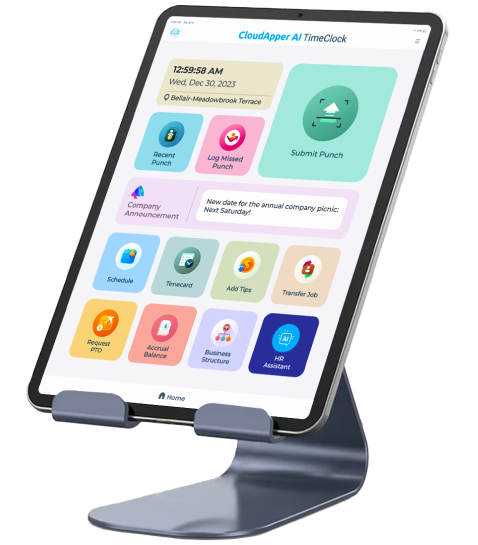
Infection control matters. Shared fingerprint scanners were already a problem before anyone said the word “outbreak.” CloudApper uses touchless facial recognition on any standard iOS or Android tablet — no contact, no shared surfaces, no proprietary hardware to maintain or replace.
For a 120-bed facility, that means a $300 tablet at the nursing station handles clock-in, credential validation, shift differential capture, and Workday sync. No vendor hardware contract. No service agreement for a kiosk that costs more than the tablet did.
Getting This Running in a Workday Environment
The path from problem to running system is shorter than most HR teams expect:
- Pull your last three payroll correction reports. Identify how many corrections trace to shift differentials, missed role selection, or credential pay. That’s your baseline.
- Document your differential and credential pay rules per facility. This becomes the configuration spec — not a requirements document for a developer, but direct inputs into CloudApper’s no-code rule builder.
- Connect to Workday. CloudApper ships with a pre-built Workday integration. Punches, job codes, and compliance data sync in real time. Implementation typically runs days, not months.
- Pilot at your highest-correction facility. One pay period of clean data tells you everything you need to know before full rollout.
If your payroll team is still manually sorting out who earned which differential after every pay cycle, that’s hours of skilled-labor time spent fixing a data problem that should have been solved at the punch.
See how CloudApper AI TimeClock handles healthcare workforce management →
Super Efficient Employee Time Clock Kiosk Application
Cost Effective Employee Time Clock Application for
All Major HR, HCM
and Payroll
Systems