The Multi-Location Problem Workday’s Native Geofencing Doesn’t Solve — And What Does
Running a Workday deployment across eight stores or a dozen care homes sounds like a workforce management success story — until payroll week arrives and three locations have punch anomalies that don’t match any shift on record.
This is the quiet cost of relying on unverified clock-ins. Employees punch in from a parking lot two blocks away. A caregiver logs hours at a facility she wasn’t assigned to that day. A retail associate’s phone GPS drifts and places her inside the geofence before she’s through the front door. None of these are dramatic fraud scenarios. Most are small, accidental, or habitual. But across dozens of locations and hundreds of hourly workers, small inaccuracies compound into payroll errors that HR spends days untangling.
What Workday’s Native Mobile Geofencing Actually Does
Workday does include geofencing in its mobile time tracking. Workers using the Workday app get prompts to clock in or out as they enter and leave a job site. That works reasonably well when your workforce carries smartphones and your sites have reliable GPS signal indoors.
Multi-location retail and senior care facilities often don’t fit that profile. Store floor staff share kiosks rather than clocking in on personal devices. Care home workers may not be permitted to use personal phones during shifts. Signal accuracy drops inside larger buildings. And when a worker is assigned to cover a different location last-minute, the configuration has to actually reflect that change — otherwise the geofence for their home site either blocks them or doesn’t apply at all.
The native mobile approach was designed for a relatively consistent, device-carrying workforce. It wasn’t built for the operational messiness of high-turnover hourly environments with shift swaps, multi-site assignments, and shared hardware.
A Tablet-Based Fix That Syncs Directly With Workday
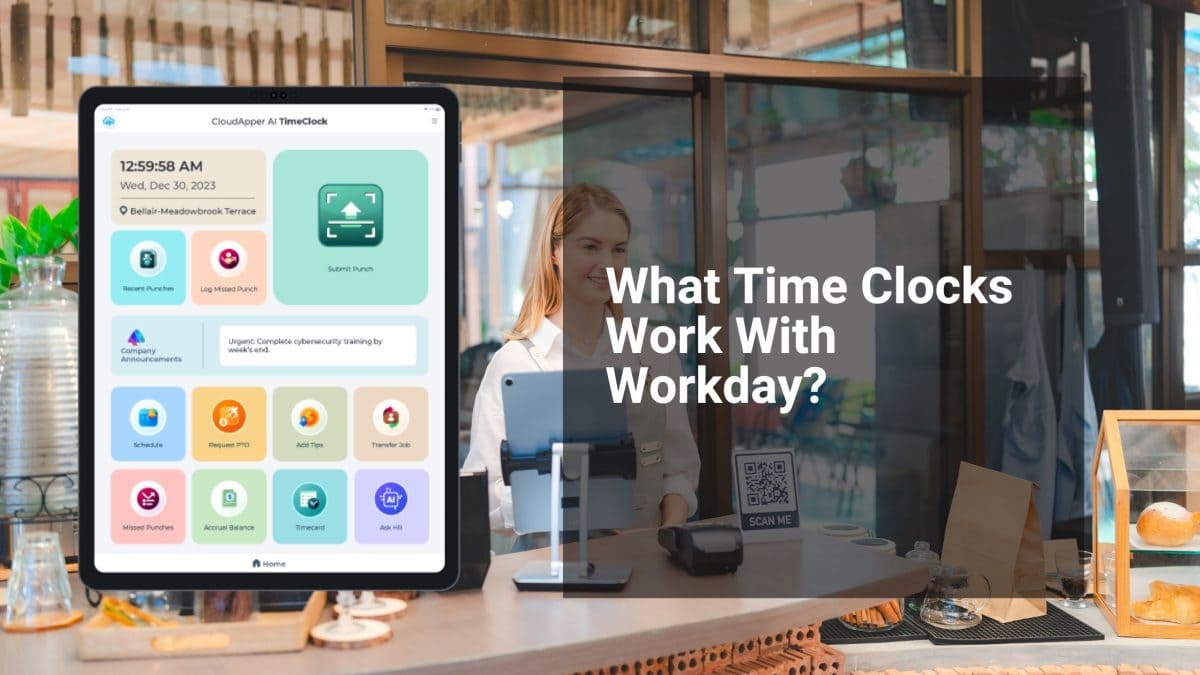
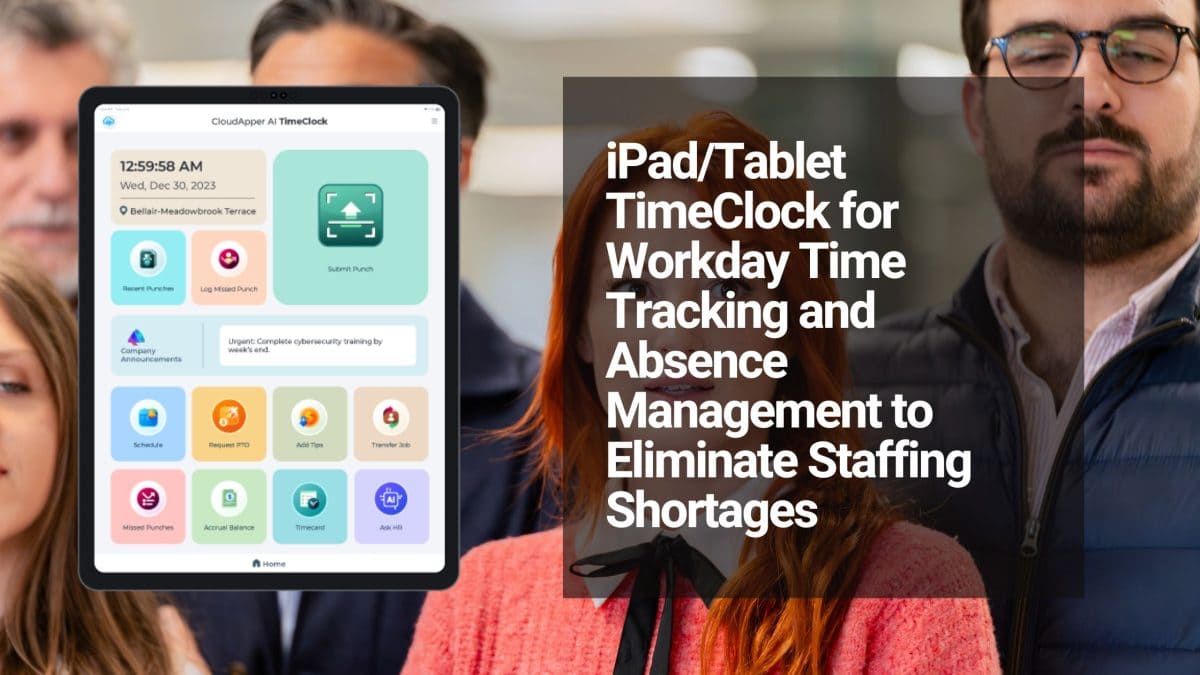
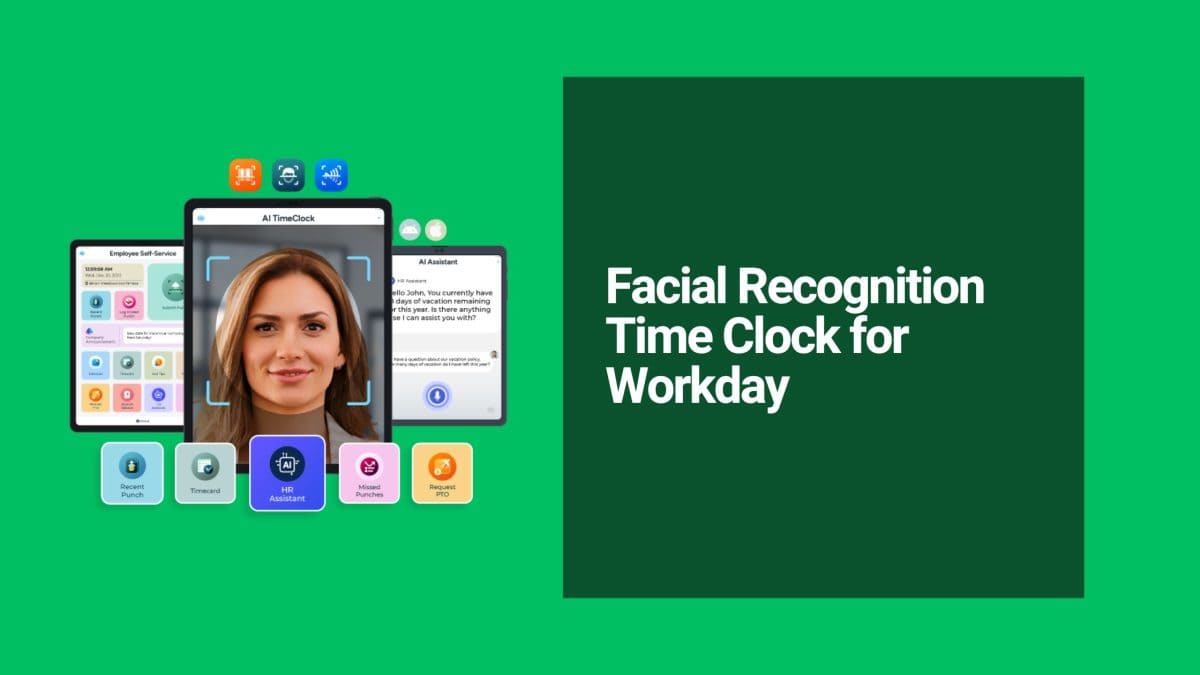
CloudApper AI TimeClock for Workday approaches this differently. Instead of relying on the employee’s personal device to enforce location rules, the time clock itself is the geofenced hardware. A standard iOS or Android tablet, fixed at each location, accepts punches only from within its defined boundary. Workers clock in using face recognition — no badge, no personal phone required.
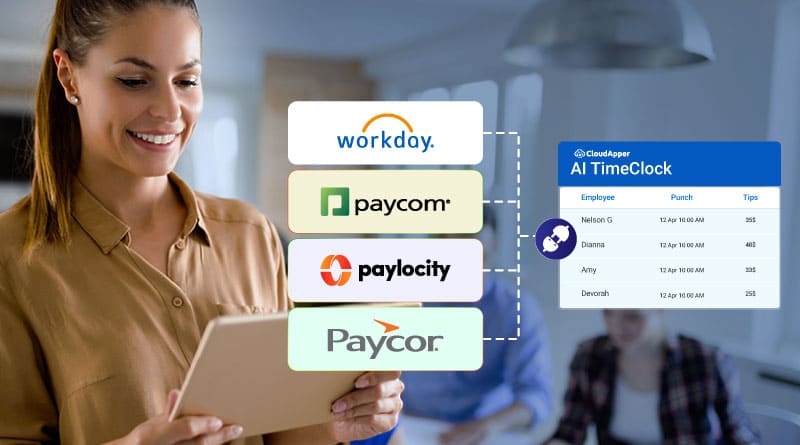
For a retail chain, that means each store has its own verified punch point. For a senior care operator, it means the caregiver physically present at the facility is the one clocking in — and that confirmation flows directly into Workday WFM without a manual import or a middleware headache.
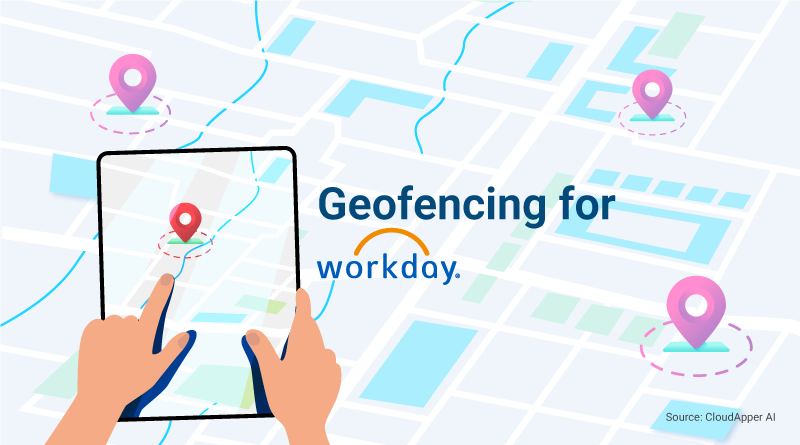
The setup doesn’t require an IT team. You define the geofence boundary on a map, assign it to a device, and it’s enforced from that point forward. It also works offline, so a punch during a connectivity dropout doesn’t disappear — it queues and syncs when the connection returns.
The broader case for adding geofencing to Workday WFM is covered in detail in the original guide: Why Workday WFM Users Need Geofencing and How to Get It with Ease.
For multi-location operators, the payoff is straightforward. Every punch in Workday has a verified location behind it. Payroll discrepancies from off-site or early clock-ins drop. And HR managers stop spending Friday afternoons correcting time entries that should have been right the first time.
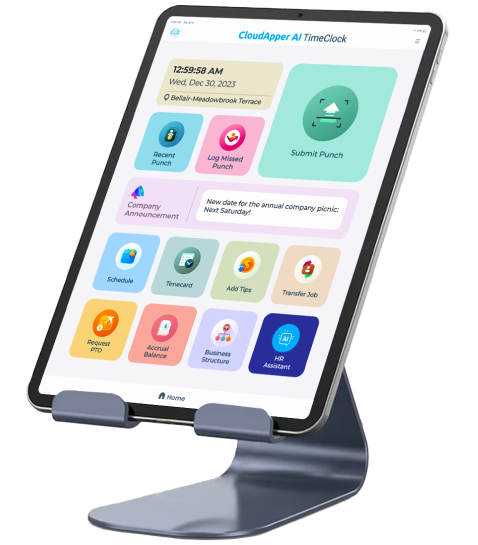
Super Efficient Employee Time Clock Kiosk Application
Cost Effective Employee Time Clock Application for
All Major HR, HCM
and Payroll
Systems