How Multi-Location Retail and Hospitality Companies Can Fix Hourly Shift Worker Payroll Errors Between Workday and Paylocity or Paycor
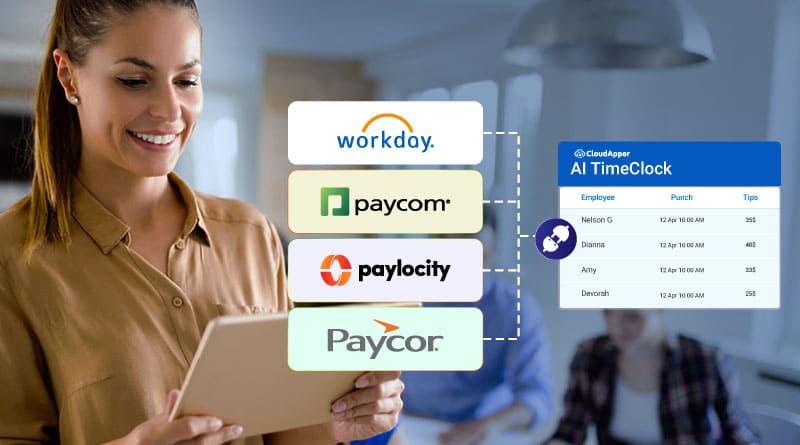
If your company uses Workday HCM for HR management and Paylocity or Paycor for payroll, you already know the frustration: shift workers punch in and out across multiple locations, and by the time that data reaches your payroll platform, it’s riddled with gaps, overtime miscalculations, or manual corrections that cost your HR team hours every pay period.
This problem is especially acute in multi-location retail, hospitality, and food service — industries where hourly employees rotate shifts, work split schedules, and often share physical time clocks. These are exactly the scenarios where disconnected Workday-to-Paylocity or Workday-to-Paycor workflows break down.
Why Hourly Shift Workers Break Standard Workday Payroll Integrations
Standard integrations assume clean, predictable time data. Hourly workers don’t provide that.
Consider a hotel with 80 front-desk and housekeeping staff spread across three properties. Shift changes happen at 6 AM, 2 PM, and 10 PM. Some employees work split shifts. Others pick up overtime on short notice. When HR exports time data from Workday and imports it into Paylocity manually — even weekly — the lag creates:
- Overtime threshold miscalculations that trigger compliance risk under FLSA
- Duplicate punch entries from shared time clock terminals
- Missing break deductions that inflate gross pay
- Late payroll corrections that damage employee trust
The root cause isn’t Workday or Paylocity failing you. It’s the gap between time capture and payroll sync — a gap that widens every time a shift worker deviates from a standard schedule.
The Fix: AI-Powered Time Capture That Speaks Both Workday and Paylocity
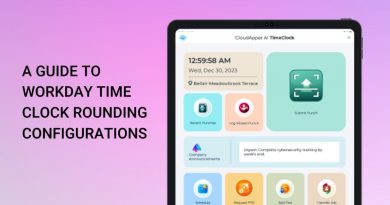
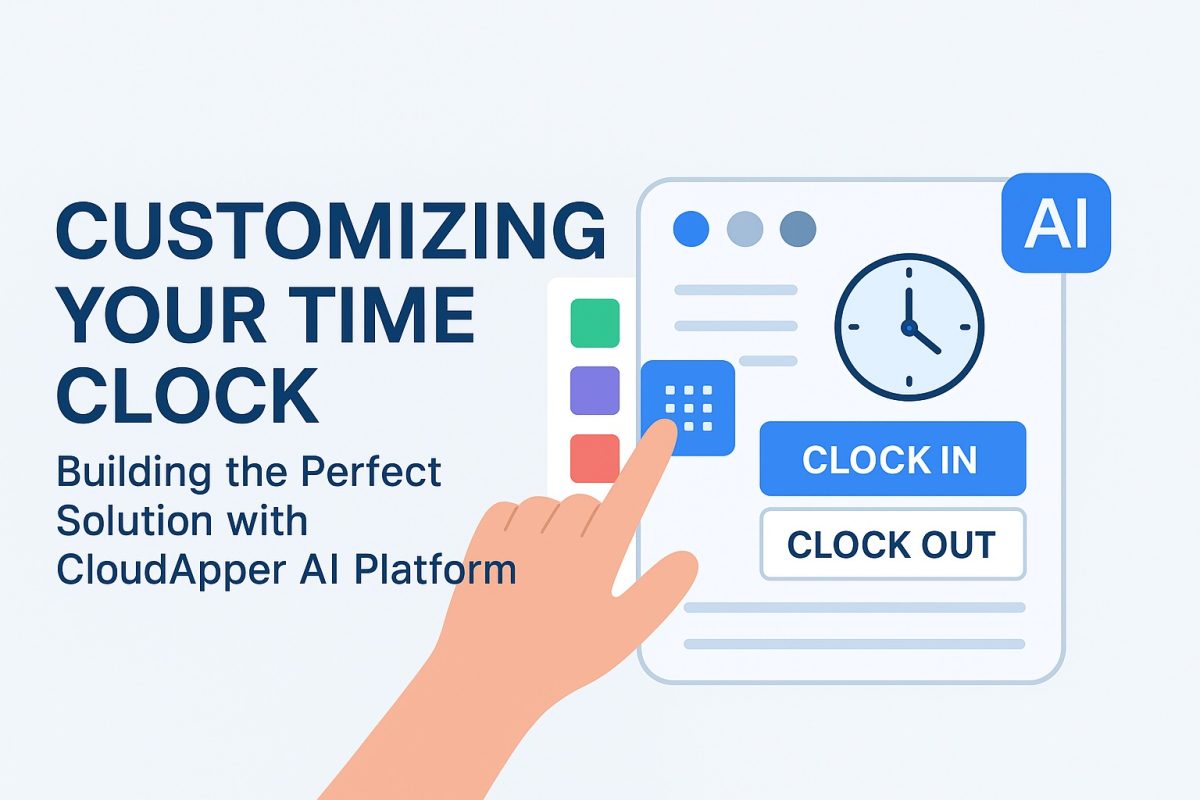
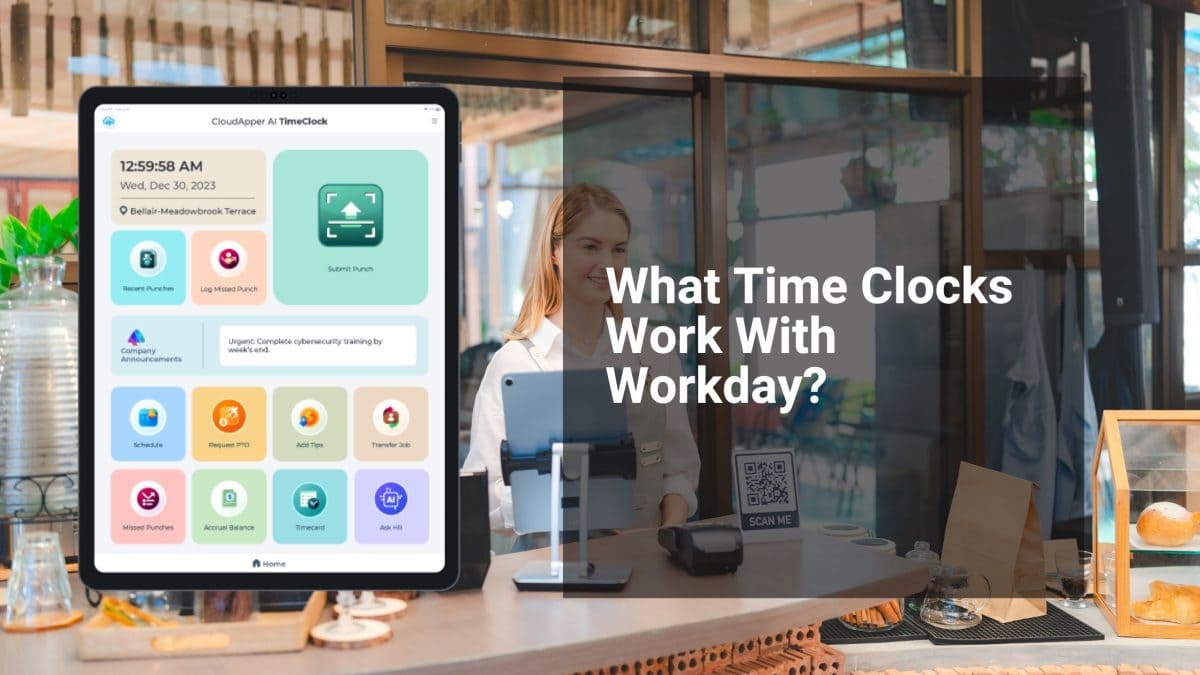
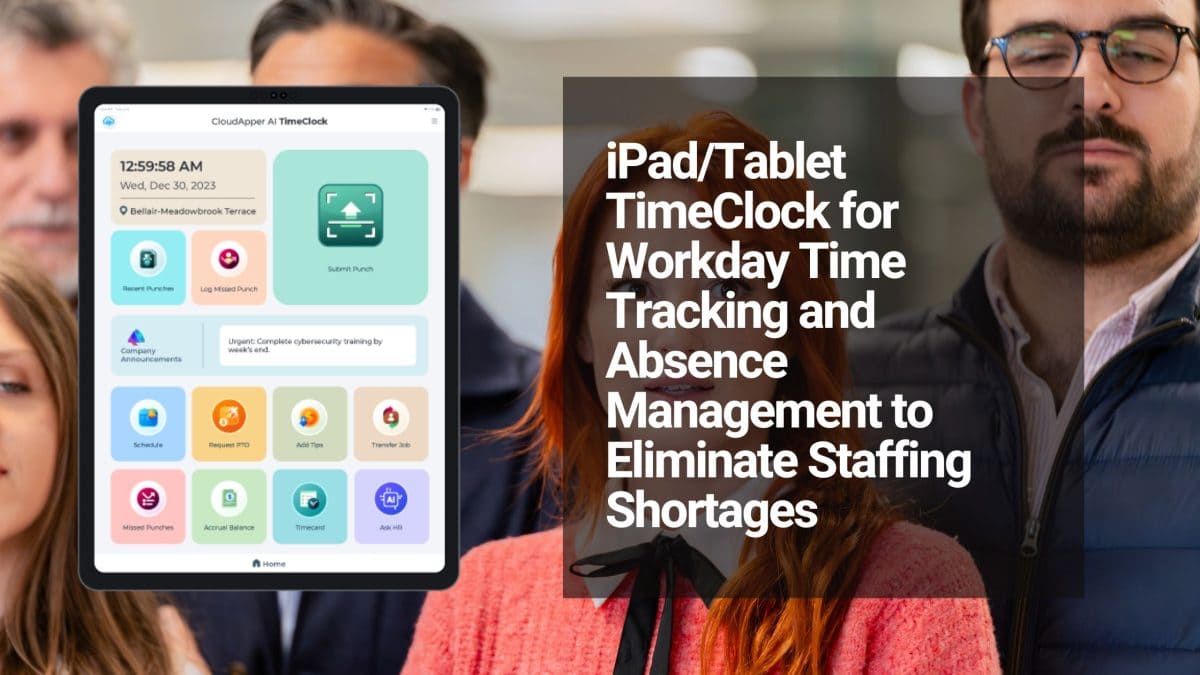
CloudApper AI TimeClock was built specifically to close this gap. It turns any existing iPad or Android tablet into a biometric time clock that:
- Captures shift punches using facial recognition — eliminating buddy punching at multi-location shared terminals
- Applies your custom overtime rules and break deduction logic before data ever reaches Workday
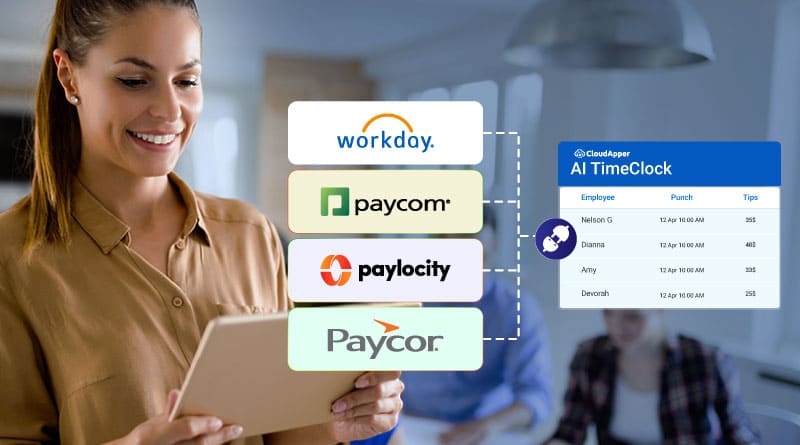
- Syncs validated time data to Workday HCM in real time, then pushes it automatically to Paylocity or Paycor — no spreadsheets, no exports, no manual reconciliation
For hourly workers specifically, the system handles split shifts, differential pay rules, and multi-location clock-ins without any custom development on your part. The CloudApper team configures the logic to match your exact payroll rules.
What This Looks Like in Practice
A multi-location retail chain running Workday + Paycor deploys CloudApper AI TimeClock at every store. Each morning, employees clock in via face recognition on a shared tablet. The system:
- Validates the punch against the scheduled shift in Workday
- Flags early clock-ins or late departures that may trigger overtime
- Applies break deduction rules automatically
- Pushes clean, rule-compliant hours to Workday, which then flows to Paycor for payroll processing
HR no longer touches time data manually. Payroll closes faster. Overtime disputes drop. Compliance risk shrinks.
For companies managing complex system-to-system data flows, CloudApper’s iPaaS integration platform handles the middleware layer — mapping data fields between Workday, Paylocity, and Paycor without requiring IT resources or costly custom API work.
Three Steps to Get Started
Step 1 — Audit your current time capture process. Identify where shift workers are clocking in and whether that data flows automatically or manually into Workday.
Step 2 — Map your overtime and break rules. CloudApper AI TimeClock applies these as rulesets before data syncs — so payroll receives only clean, compliant hours.
Step 3 — Deploy on existing hardware. No proprietary time clock purchases needed. Any iPad or Android tablet becomes a biometric punch terminal within days.
The Bottom Line
If your hourly workforce is the reason your Workday-to-Paylocity or Workday-to-Paycor integration keeps breaking, the fix isn’t a better export template. It’s replacing manual time capture with an AI-driven system that validates data at the source.
CloudApper AI TimeClock is purpose-built for this. It integrates natively with Workday and syncs to Paylocity, Paycor, and Paycom — making accurate, automated payroll processing a reality for shift-heavy workforces.
→ Learn more at CloudApper.ai or explore the full guide on integrating Workday HCM with Paycom, Paycor, and Paylocity.
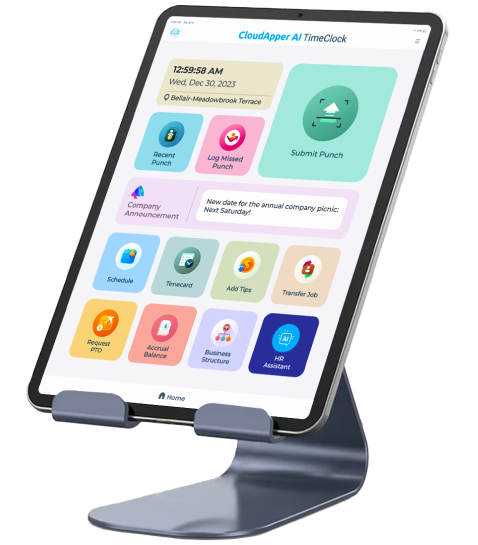
Super Efficient Employee Time Clock Kiosk Application
Cost Effective Employee Time Clock Application for
All Major HR, HCM
and Payroll
Systems